Multi-broker in one workspace
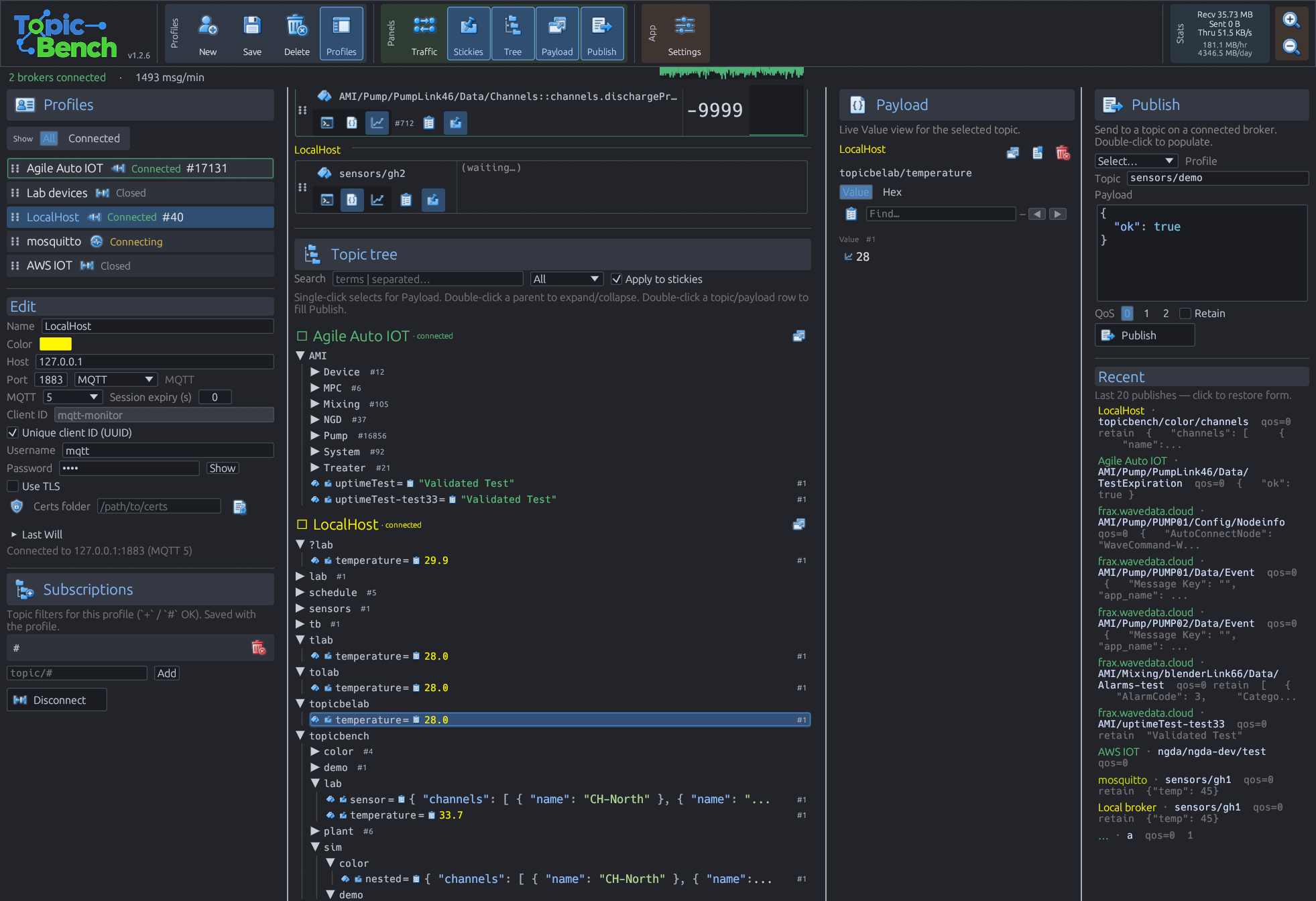
Connect several brokers at once and monitor or search them together—compare devices or environments without hopping windows.
Products/ Topic Bench Pro
Fast multi-broker monitoring, search, publish, and sticky watch views—made for instrumentation people, IoT control builders, and anyone who lives in MQTT traffic.
Pro unlocks MCP for your agent, topic & payload simulation, scenario playback, combined multi-topic graphs, bookmarks, color rules, themes, and tree import/export.
$25 off
$25 off for a short written testimony about why you use Topic Bench — contact us to claim.
Built because the tools didn’t match the job.
Mike built Topic Bench because he uses MQTT brokers every day—and didn’t have the explorer he wanted. Easy navigation. Multiple brokers in one workspace. Simulating data. Highlighting and searching content. Rearranging windows. Seeing multiple trees at once.
Features came from daily needs building applications and controls with MQTT—not from a feature checklist. If you work instrumentation over MQTT, test or build IoT control systems, or just want a fast, efficient, good-looking explorer that handles many brokers, this is for you.
Connect several brokers at once and monitor or search them together—compare devices or environments without hopping windows.
Find topics and payloads across brokers instantly. Apply the same filter to stickies so pinned watch lists stay in sync.
Pin important topics while you browse—value, graph, or raw—so signals stay in front of the tree.
Full shortcuts—F1 / ? help, panel toggles, search focus—so power users stay on the keyboard.
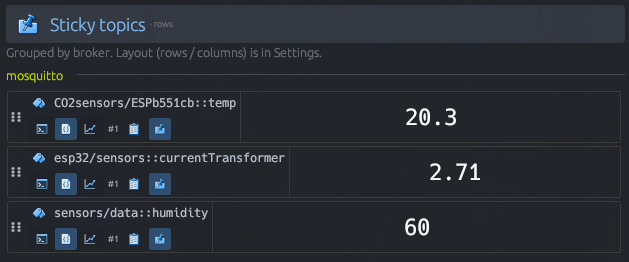
Sticky topics — grouped by broker.
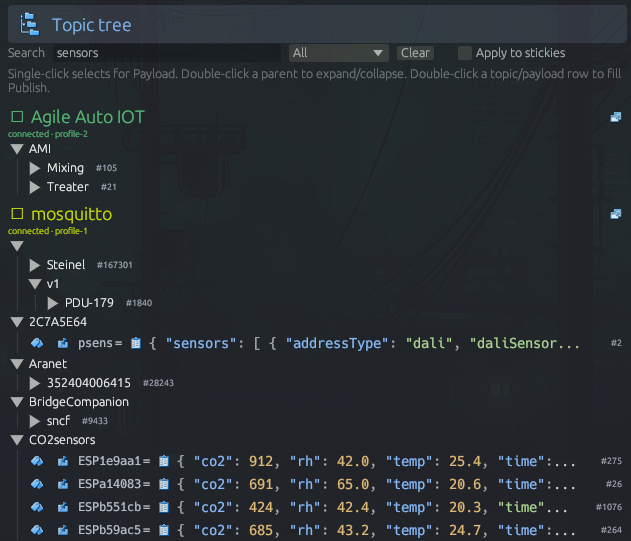
Live topic tree — browse hierarchy across connected brokers.
Everything you need for everyday multi-broker MQTT work.
Open-source baseline—profiles, live trees, search, publish, stickies, and keyboard-first navigation.
Pro in action
Four workflow tools that make multi-broker MQTT monitoring faster to read, replay, and return to.
Pro
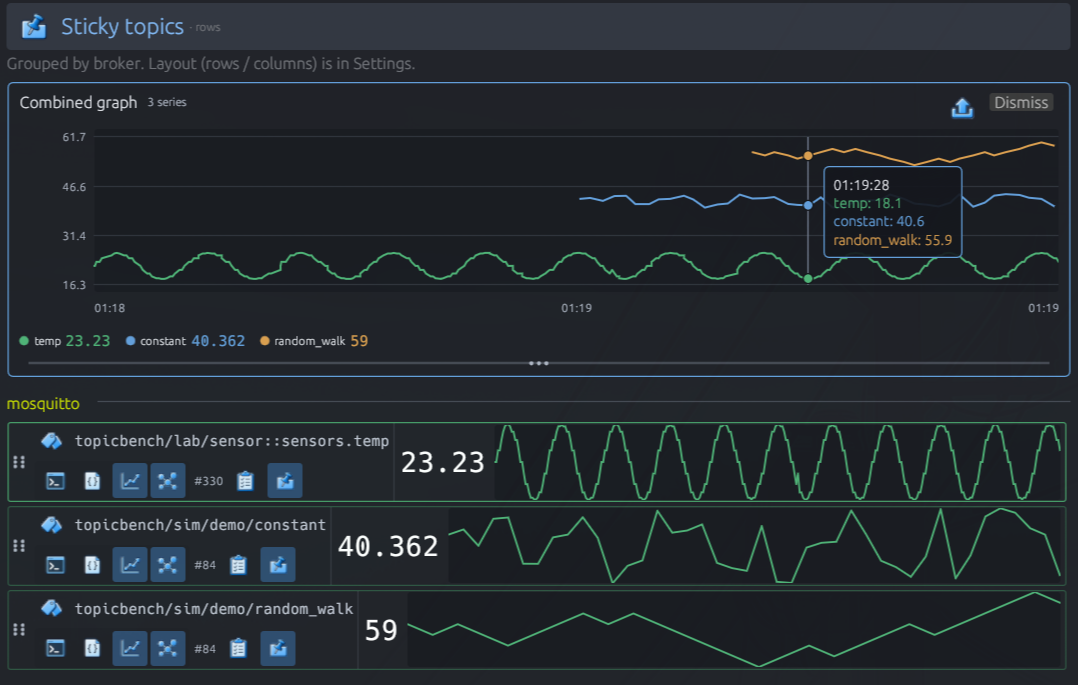
Overlay multiple channels into a single time-logged graph—correlate data across topics, and even across brokers.
Pro
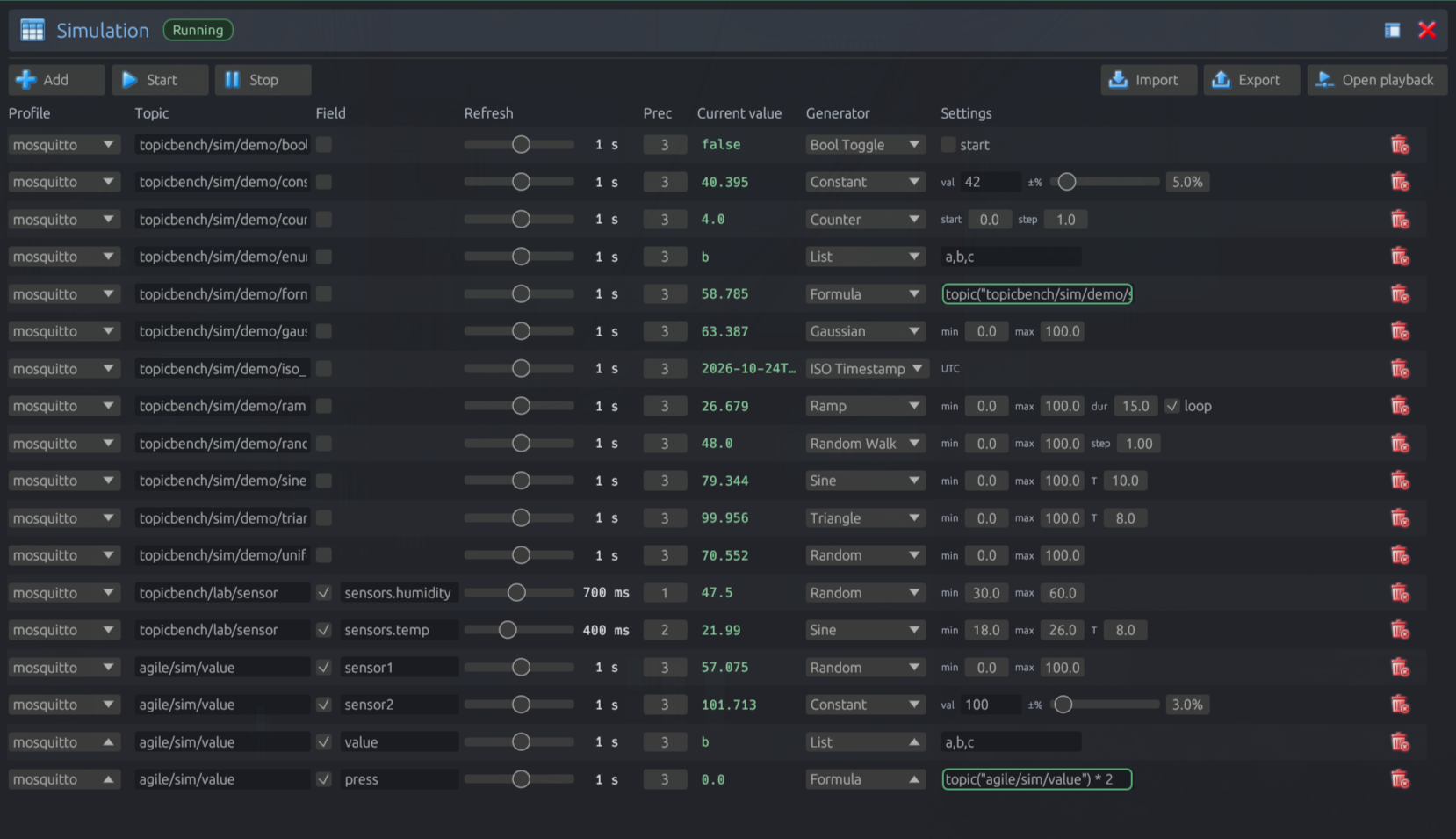
Populate MQTT data by publishing. Auto-create a simulation from recorded sessions to replicate datasets—with the best prediction chosen automatically.
Pro
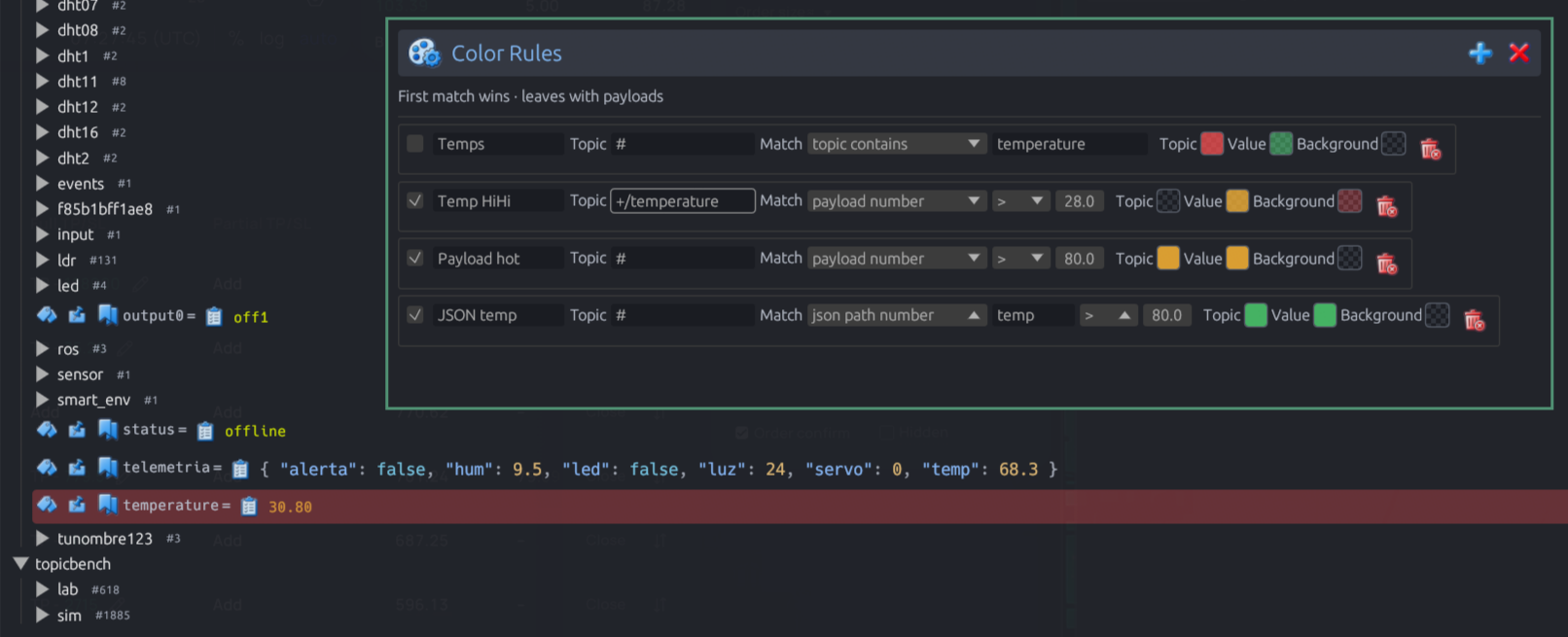
Highlight data in your topic tree from payload matches, topic matches, and individual values inside payloads.
Pro
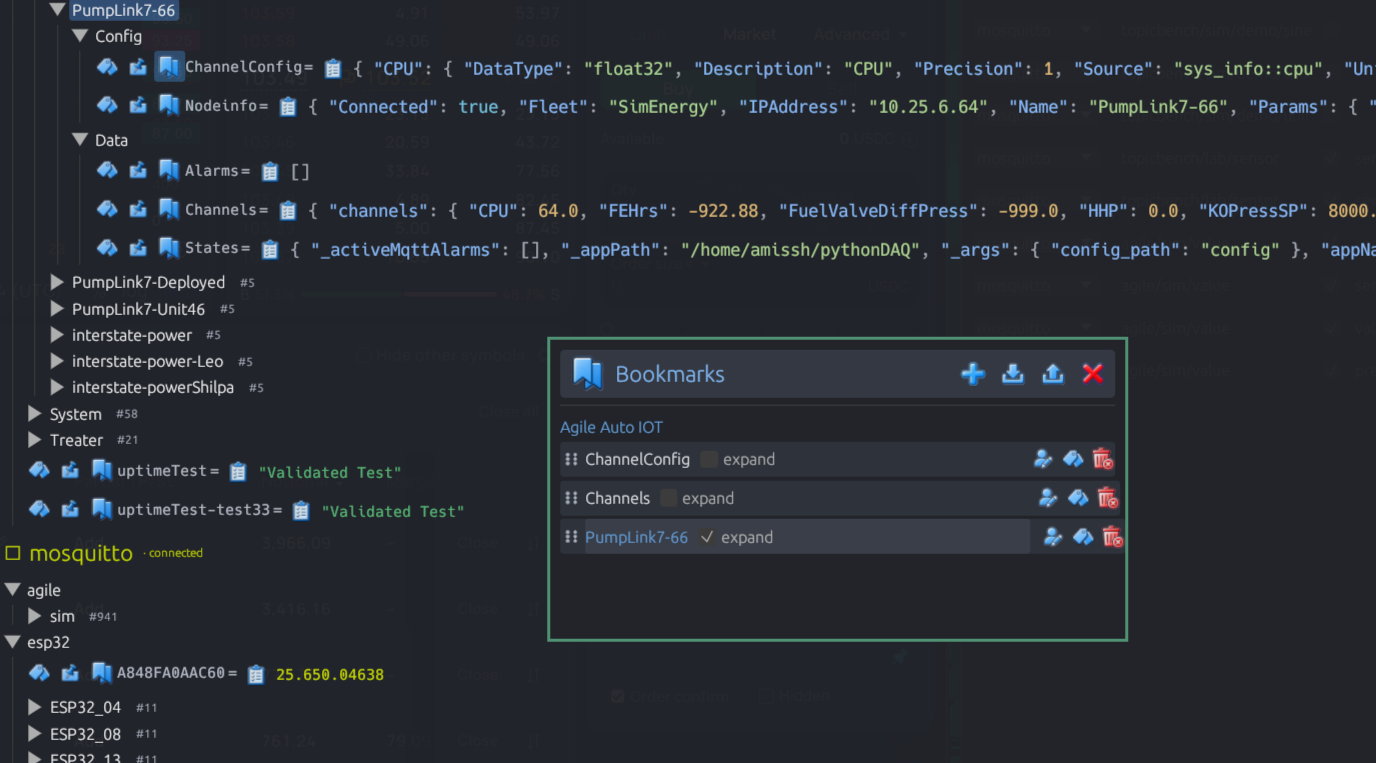
Jump anywhere in a tree and auto-expand that topic for immediate access.
Video highlights
Short demos of scenario playback with color rules, simulation with MCP, and themes—click a still to play full-width.
Topic Bench Pro
Paid extras for teams that outgrow the free explorer—same app, unlock Pro when you need them.
Connect, subscribe, publish, and wait from Cursor / CI against live sessions.
Generators and formulas for whole payloads or JSON fields—populate brokers for tests and demos.
Capture live traffic, then suggest Simulate rows from the tape.
Sequenced, timed multi-topic publish scripts for demos and repeatable checks.
Shared time axis across Graph stickies—correlate streams across topics and brokers.
Scrub per-topic history in the Payload panel—step through samples by receive time.
Jump list into deep trees—auto-expand that topic for immediate access.
Paint tree rows by topic / payload predicates and values inside payloads.
JSON hierarchy out; republish onto a target broker for handoff or lab setups.
Time-series dumps for Excel and offline analysis.
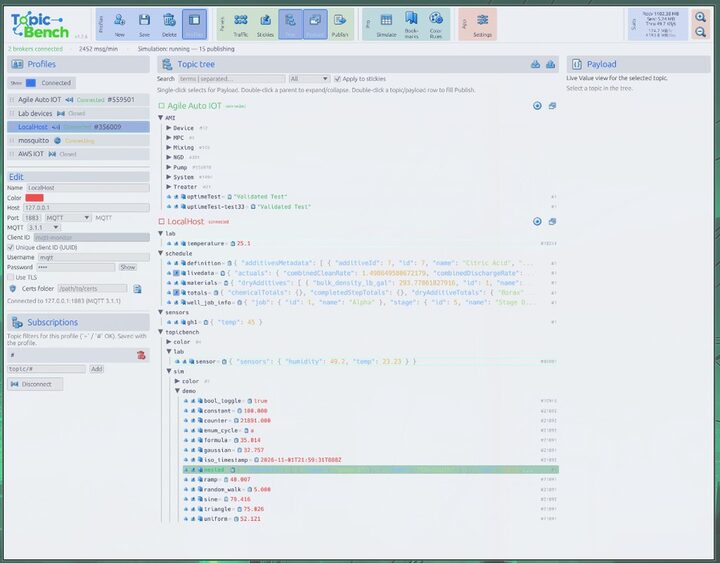
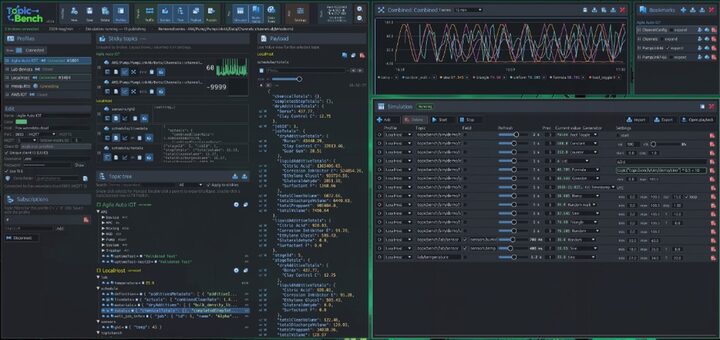
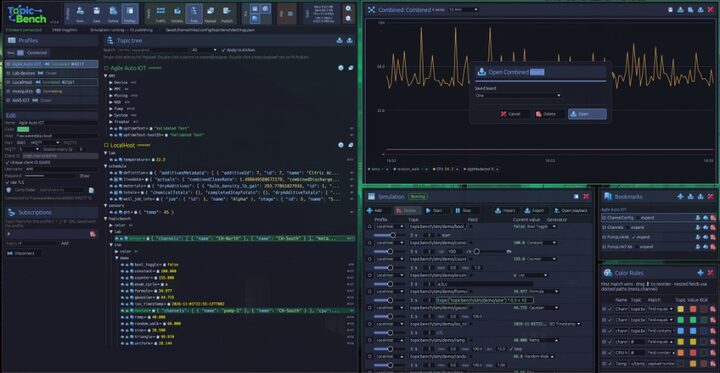
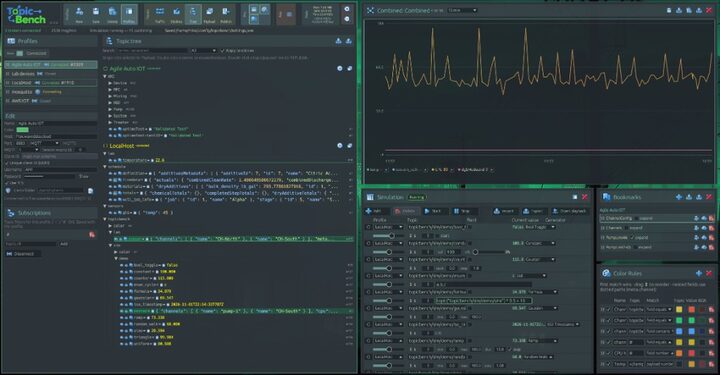
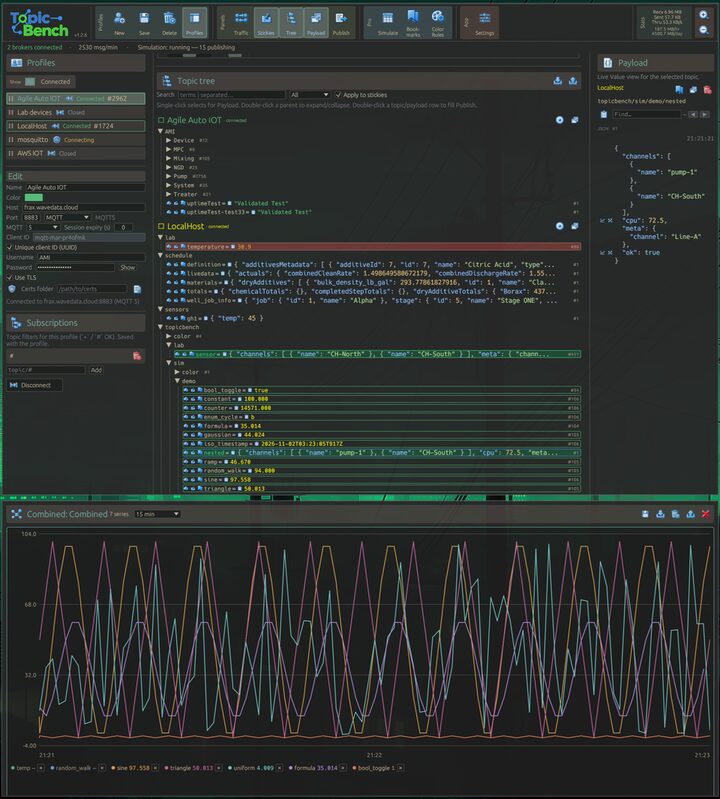
Pick a theme to color the app to your liking—use one that fits your screens and environment so it’s easy on the eyes.
Buy Topic Bench Pro via Square on this page.
Themes
Pick a theme for your screens and environment—easy on the eyes.
Also available
Topic Bench stays free on GitHub for everyday multi-broker monitoring—the open-source baseline Pro builds on.
Ready for Pro? Buy online, or contact Mike if you have questions before you purchase.